


AniGame at Nerdbutiken.se: Find the Right Products Faster and Shop Smarter
Are you looking for AniGame products at Nerdbutiken.se but get stuck endlessly scrolling and indecisively browsing? As the assortment grows, it's easy to miss new arrivals, favorites, and real bargains. That's why it's smart to use the store's Sort function to quickly switch between Featured, Bestsellers, alphabetical order (A–Z/Z–A), price, and date – exactly what makes e-commerce smoother and more precise.
In this guide, you'll get a practical strategy for finding the right AniGame figures and merch, whether you want inspiration, are buying a gift, sticking to a budget, or chasing the latest releases. You'll also get answers to common questions like: how do I see the most popular products first, how do I find a specific title alphabetically, and how do I filter for the cheapest or newest in seconds?
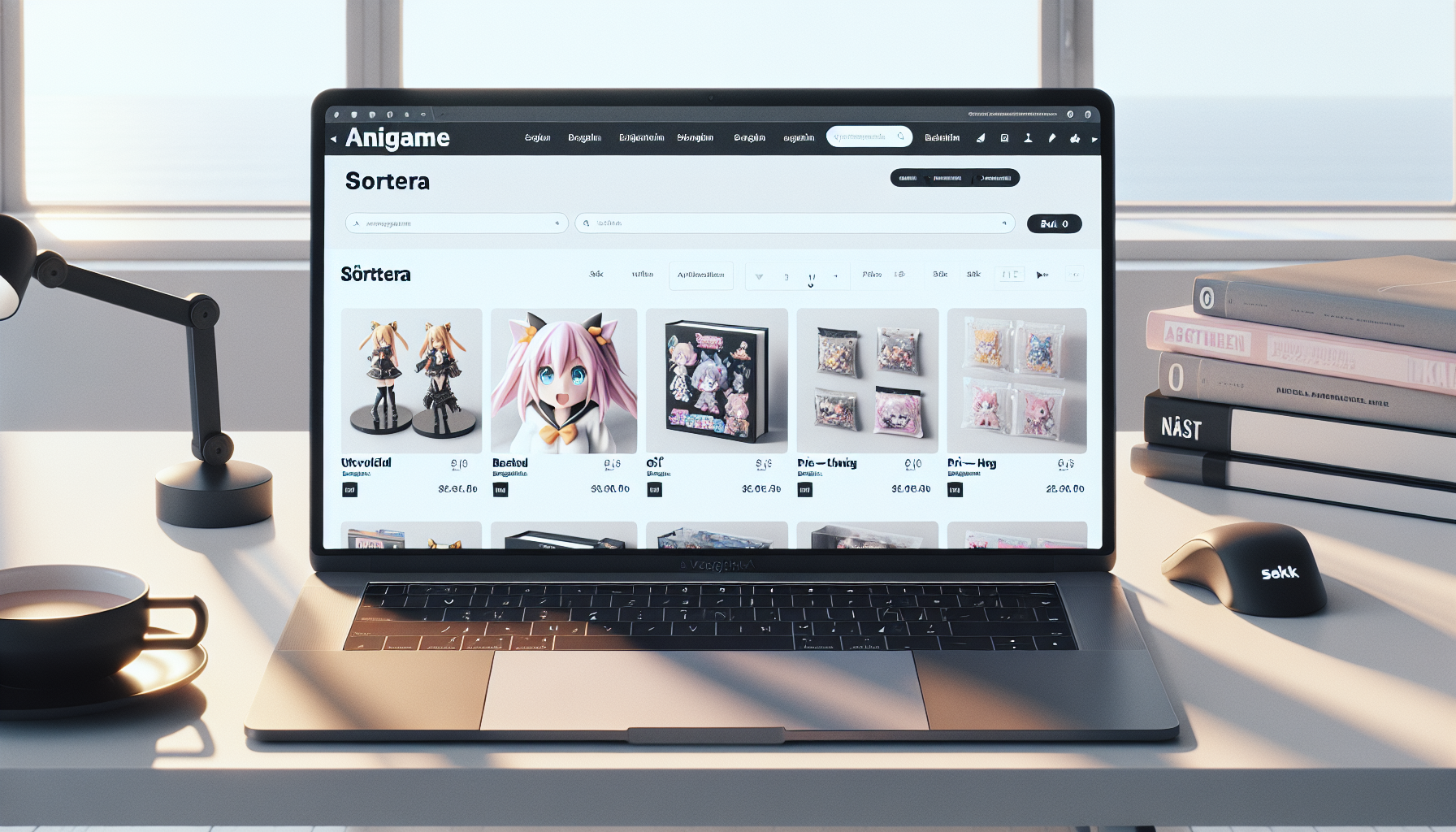
When you click on AniGame at Nerdbutiken.se, you're met with a collection category designed to make it easy to find what you're looking for among many products. Just like on other major category pages, there's a clear Sort function (e.g., Featured, Bestsellers, A–Z, Price, and Date) – which is especially important when you're looking for something specific, comparing price levels, or want to see the latest news first.
Common Product Categories: From Display to Everyday Merch
The AniGame assortment can broadly be understood as “anime- and nerd-related collectibles” where you often find several types of products within the same universe. Once you know what you're after, sorting becomes a quick way to navigate.
-
Figures & Collectibles: for those who want to build a shelf display or a serious collection where detail and scale matter.
-
Merch and Smaller Items: perfect for complementing your collection without breaking the bank, or when looking for a simpler gift.
-
New Arrivals and "Must-Haves": here, sorting by Date (new to old) helps you see the latest releases and any in-stock alerts.
A practical tip: first decide on the "purpose of use" (collection, decoration, gift, or budget buy). Then you can quickly determine whether to start with Featured (inspiration), Bestsellers (safe bets), or Price low to high (bargain hunting).
Match the Right Product with Your Goal – Reduce Wrong Purchases
To avoid impulse buys that don't fit in your home: compare the size/format against your intended spot (shelf, desk, display cabinet), and consider the recipient if it's a gift. If you're a collector, A–Z can be invaluable for systematically checking off series/characters and reducing the risk of duplicates.
Section 2: How to Use "Sort" on Nerdbutiken.se to Find the Right AniGame Product Faster
When you click into AniGame at Nerdbutiken.se, you'll often encounter many products – and the Sort menu is your quickest shortcut to the right purchase. Instead of endlessly scrolling, you can order the list by Featured, Bestsellers, Alphabetical (A–Z/Z–A), Price (low to high/high to low), or Date (old to new/new to old). It sounds simple, but the right sorting makes a big difference in terms of time, inspiration, and accuracy – whether you're a collector or just buying a gift.
Choose Sorting Based on Your Goal (Not Routinely)
To get the most out of the sorting options, consider your current intent:
-
Do you want quick inspiration? Start with Featured for a more curated selection that often reflects what's most relevant right now.
-
Do you want to minimize the risk of a wrong purchase? Choose Bestsellers and go with what many others already like (good for gifts).
-
Are you looking for a specific title/character? Use Alphabetical A–Z (or Z–A if you want to "reverse" from the end) and find it without missing variations.
-
Are you shopping on a budget or comparing premium? Use Price to see bargains or top-tier items directly.
-
Are you chasing new arrivals or restocks? Sort by Date, new to old to see the latest additions first.
This also answers the most common "silent" questions in an online store: How do I find the cheapest? What's most popular? How do I see the new arrivals first? Sorting solves it in seconds.
A Simple 3-Step Method That Saves Time
Try a workflow that works almost every time: 1) Start with Featured or Bestsellers to "calibrate" what's relevant, 2) switch to Price to land within your budget, and 3) finish with Date (for the latest releases) or A–Z (if you want to double-check that you haven't missed a specific product). The result is less scrolling, fewer impulse buys, and a more thoughtful AniGame purchase at Nerdbutiken.se.
Section 3: "Featured" on Nerdbutiken.se – When Curated AniGame Choices Provide the Best Shopping Experience
When you click into the AniGame category on Nerdbutiken.se, you're greeted by the Sort option – and the Featured alternative is often the smartest starting point. Instead of having to guess your way through many products, "Featured" is a curated selection that highlights what is typically most relevant right now: in-demand items, good entry-level buys, and sometimes new releases that deserve extra visibility. For those who want to find the right item quickly (without scroll fatigue), "Featured" can be the difference between an impulse buy and a well-considered choice.
When "Featured" is Best – And Why It Works
-
You are new to the AniGame assortment: "Featured" acts as a quick introduction to what's popular and representative in the category, without you needing to know all the titles or characters in advance.
-
You want to be inspired before deciding: The curation helps you see styles, sizes, and price points in a more "edited" way than if you start with A–Z or price.
-
You want to reduce the risk of wrong purchases: Featured products tend to be safer bets – especially if you're buying a gift or want to find something that appeals to a broad fandom.
An effective approach is to use "Featured" as a "starting point": save 3–5 candidates (e.g., in your own notes or wishlist) and then compare them against your purpose. Ask yourself: should it be for a display, fit into a collection, serve as a gift, or adhere to a budget? This small check helps you avoid duplicates, the wrong size, or the wrong vibe.
Combine "Featured" with Other Sorts for the Best Match
Once you've found the right feel via "Featured," fine-tune with Bestsellers (for social proof), Price (to stay on budget), or Date, new to old (to catch the latest releases). This way, you get both inspiration and precision – and a significantly better shopping journey on Nerdbutiken.se.
Section 4: "Bestsellers" – Find Popular AniGame Products and Avoid Risky Purchases
When you want to shop AniGame at Nerdbutiken.se without getting lost in the comparison jungle, sorting by Bestsellers is one of the smartest shortcuts. It acts as a real-time receipt of what others are actually buying – which often means the products have the right mix of price, quality, and "wow" factor. For those who want to minimize the risk of wrong purchases (or quickly find a gift), this is often better than aimlessly scrolling through the entire assortment.
Why "Bestsellers" is a Safe Starting Point
-
Social proof that saves time: When many choose the same product, it's often a sign that it meets expectations in reality (size, details, finish).
-
Perfect for gifts: Popular items usually fall within a "safe" stylistic zone and work even if you don't know the recipient's exact favorite character.
-
Good for beginners in the AniGame category: You get a quick overview of what's most in-demand right now, before fine-tuning with price or date.
What makes an AniGame product a bestseller is often a combination of recognition (iconic series/characters), price level (easy to click home), and timeliness (trending on social media or has a new season). A pro tip is to use Bestsellers as a "quality filter" and then switch to Price, low to high to find the best value among the favorites – or to Date, new to old if you want to see if there are new top sellers you've missed.
Quick Checklist for Gift Buying with Bestsellers
Choose a bestseller and double-check: size/format (shelf space), material (e.g., PVC/resin), style (chibi vs. realistic), delivery time, and budget. This way, you get a thoughtful gift – without risky purchases.
Alphabetical A–Z / Z–A – The Best Method When You're Looking for Specific AniGame Titles
When you already have a name in mind – a series, a character, or a specific product line – alphabetical sorting on Nerdbutiken.se is often the quickest way to the right AniGame product. Instead of scrolling through everything, you can choose Alphabetical A–Z (or Z–A) in the "Sort" menu and get a logical list that makes it easier to find, compare, and double-check spellings.
When Alphabetical Sorting Beats "Featured" and "Bestsellers"
Alphabetical is particularly effective in three situations:
-
You're looking for something specific: Perfect when you know exactly which series/character you want and want to minimize time on the category page.
-
You want to avoid duplicates as a collector: An A–Z list makes it easier to see if you already have a similar variant on your shelf (e.g., different editions of the same figure).
-
You're quickly comparing multiple options: With Z–A, you can sometimes "reverse the perspective" and find the same brand/line grouped together if product names are consistently named.
This answers the common frustration many have: "How do I find the product when the assortment is large?" – the answer is often to switch from inspiration (Featured/Bestsellers) to precision mode (A–Z).
Smart Search Strategies: Å/Ä/Ö, Spelling, and Custom Lists
To find items faster, remember that Swedish characters can affect the order: Å/Ä/Ö will appear towards the end in A–Z. If you don't find it directly, it might also be due to variations in names (e.g., English vs. Japanese titles, or "Character – Series" in the product name). A practical collector's tip is to create your own wishlist with exact names and then "check off" via A–Z with each purchase – an easy way to keep your collection clean and planned.
Alphabetical sorting is, therefore, your best friend when you want to shop AniGame on Nerdbutiken.se with maximum control and minimal friction.
Price (Low to High / High to Low) – How to Build an AniGame Collection on a Budget
When you click on AniGame at Nerdbutiken.se, it's easy to get lost in scrolling – especially if you want both a bargain and dream of a premium figure. That's why sorting by Price: low to high or Price: high to low is one of the smartest tools in the "Sort" menu: it quickly helps you adapt the selection to your wallet, goals, and priorities without having to manually sift through hundreds of products.
Choose Price Sorting According to Your Goal (Not Just Your Budget)
-
Bargain hunting and small purchases: choose Price: low to high when you want to find entry-level items, additions to your shelf, or several small gifts without breaking the bank.
-
Premium display and "statement pieces": choose Price: high to low when you're looking for the most elaborate options first – perfect if you want to build a main shelf with a few but strong eye-catchers.<
-
Compare value for money: ask yourself "How big is it?", "What material?", and "Is it a limited/unique variant?" – price says a lot, but value often lies in the details (finish, scale, accessories, packaging).
What is often missing from simple lists is a clear method. Try this approach: start with Price: low to high to map the "floor" of price levels, then jump to Bestsellers to see which price ranges are actually popular, and finally open 2–3 favorites and compare specifications. This reduces the risk of impulse purchases that feel cheap at checkout but "expensive" afterwards.
A Simple Budget Plan to Make Your Collection More Sustainable
Set a monthly budget and distribute it smartly: 1 premium purchase every other month + 1–2 budget purchases per month. With price sorting, it's easy to stay on course, while still treating yourself to something extra when the right item appears.
Date (Old to New / New to Old) – Keep Track of New Arrivals, Restocks, and Trends
When you shop AniGame at Nerdbutiken.se, date sorting is one of the most underrated functions in the "Sort" menu. It helps you quickly adapt the list to your goal: do you want to see the latest releases immediately, hunt for a restock, or find older gems that disappear in the feed? By switching between "Date, new to old" and "Date, old to new," you avoid unnecessary scrolling and get a clearer picture of what's actually current in the assortment.
When to Choose "New to Old" (New Arrivals First)
"New to old" is best suited when you want to stay ahead of the curve—especially for limited releases and coveted figures. Use this mode to:
-
Catch new releases early: you see new arrivals first and can act before popular products sell out.
-
Discover trends in real-time: if several products from the same series/character appear close together, it's often a sign that something is "hot" right now.
-
Set up a monitoring routine: check the category weekly (or before payday/student aid) to stay informed without spending time every day.
A practical approach is to start with "new to old" for a quick "pulse check," and if you see something interesting, you can then switch to price or bestsellers to compare options before purchasing.
Why "Old to New" Can Yield Better Bargains Than You Think
"Old to new" is perfect when you want to dig up products that are no longer at the top—and are therefore often missed. It can help you to:
-
Find underrated favorites that are still in stock but don't appear in the news feed
-
Compare older editions against new versions (design, scale, level of detail)
-
Avoid impulse purchases by seeing the entire assortment, not just the latest items
Think of date sorting as your "release radar": new items when you want to be first, and older listings when you want to be smartest.
Frequently Asked Questions (FAQ)
Q: How do I sort AniGame products on Nerdbutiken.se to find the right ones fastest?
A: Open the AniGame category and use the Sort menu. For example, choose Featured for a curated selection, Bestsellers for popular choices, Alphabetical A–Z/Z–A when looking for a specific title/character, Price (low to high/high to low) for budget or premium, and Date (new to old/old to new) to see new arrivals or older gems. A smart approach is to start with Featured/Bestsellers and then fine-tune with price or date.
Q: What does "Featured" mean and when should I use it?
A: Featured is an editorial/curated sorting mode that highlights products that are often extra relevant right now (e.g., trending, in-demand, or good entry-level buys). Use it when you want inspiration, are new to the AniGame assortment, or want to avoid being overwhelmed by choices. Tip: once you've found the right "style" via Featured, switch to price or date sorting to find the best match for your budget or to see the latest releases of that type.
Q: Why is "Bestsellers" a good choice for gift purchases?
A: Bestsellers act as social proof: many others have chosen the same product, which often means lower risk. For gifts, it's especially useful if you're unsure of the recipient's exact favorite series. Complement this with a quick check of size, material, and whether the product is suitable for display or everyday use, to reduce the risk of a wrong purchase.
Q: How do I find a specific figure or series with alphabetical sorting (A–Z/Z–A)?
A: Choose Alphabetical A–Z if you know the name and want to "skim" faster. Keep Swedish characters (Å/Ä/Ö) in mind, and note that product names might contain the license/series before the character (or vice versa). If you collect frequently, create your own wishlist and check off items via A–Z to avoid duplicates.
Q: How do I find the cheapest or most expensive AniGame products first?
A: Use Price: low to high for bargains or Price: high to low for premium options. A good tip is to compare "value for money": a larger figure, more detail, or better material can justify a higher price if the goal is a prominent display piece.
Q: How do I keep track of new arrivals, restocks, and trends in the AniGame category?
A: Sort by Date: new to old and make it a routine (e.g., once a week) if you're hunting for limited releases or want to stay updated on what's current. To discover underrated products, Date: old to new can be surprisingly effective—you'll find things that would otherwise be far down the list.
Q: AniGame is sometimes mentioned with XP/points and a "skill tree" – what does that mean?
A: Certain AniGame concepts are linked to a loyalty program where you can get a customer card, collect XP (Experience Points), and exchange them for points that unlock benefits and rewards (e.g., "items"). This is separate from the sorting function in the webshop itself, but the mindset is similar: optimize your "journey" by planning purchases, following news, and being consistent over time.
Shop AniGame smarter at Nerdbutiken.se – with the right sorting
As the AniGame assortment at Nerdbutiken.se grows, the Sort menu makes the difference between endless scrolling and a quick, accurate purchase. By switching between Featured, Bestsellers, alphabetical A–Z/Z–A, price, and date, you can tailor the list to exactly what you want: get inspired, find safe bets, hunt for bargains, or keep track of the latest releases. The result is less friction, fewer wrong purchases, and a better shopping experience – whether you're building a collection or buying a gift.
Next step: decide your goal before you click. Do you want to discover something new? choose Date: new to old. Are you buying a gift? start with Bestsellers. Looking for a specific title? use A–Z. Feel free to set a simple routine (e.g., weekly check for news and a monthly budget for your collection) so you don't miss out on restocks or limited favorites. Go to the AniGame category on Nerdbutiken.se and try out the sorting options directly – you'll find what you're looking for faster.